Donut


Select a feature you want to remove a section from. This will only work on a Polygon layer.
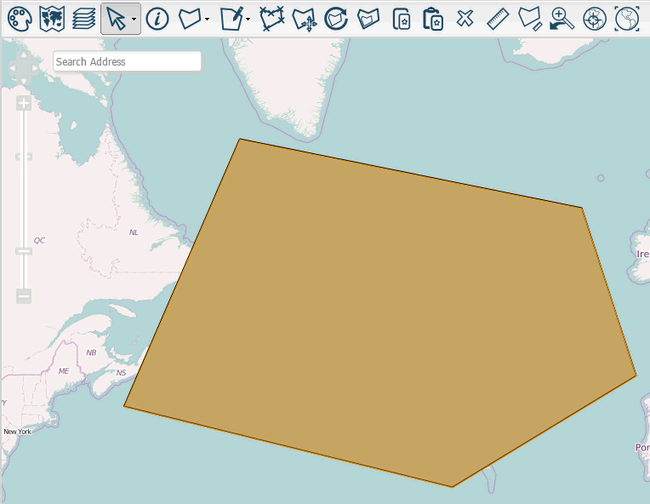
Select  under the
  dropdown. You can now click points to draw another polygon inside the selected one.
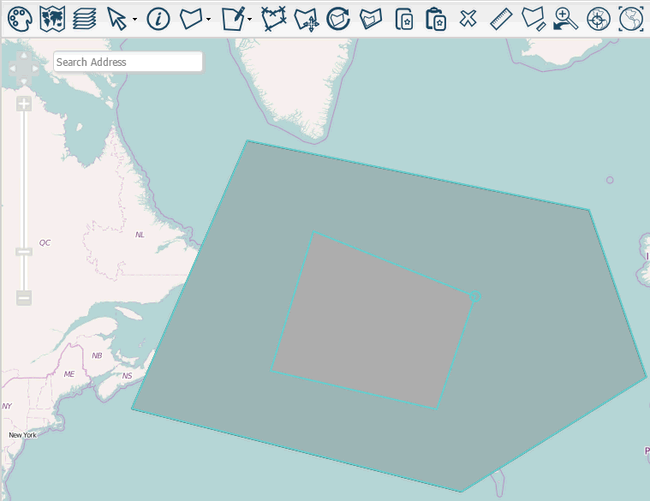
When you've drawn a shape you're happy with double-click and it will be removed from the existing polygon.
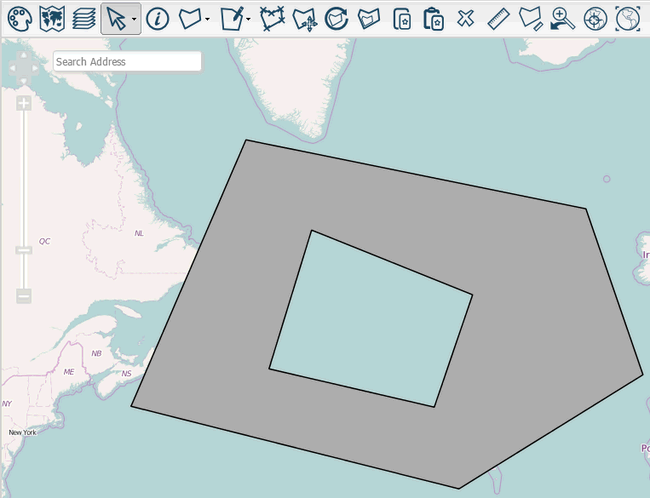
Note: The area you remove must be entirely within the selected polygon. To remove an area from the side of a polygon you could edit its points.