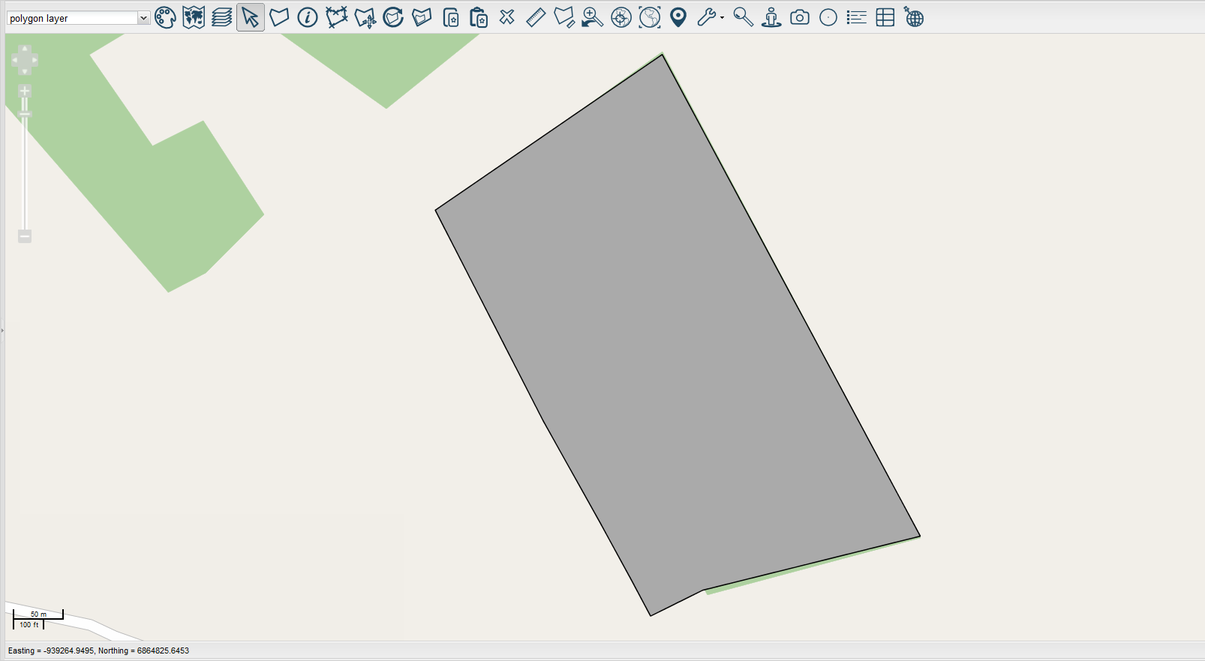
Move Individual Points


Select  to move individual points on a polygon or a line feature. Select the feature to modify. Each red cross and black circle represents a point you can modify.
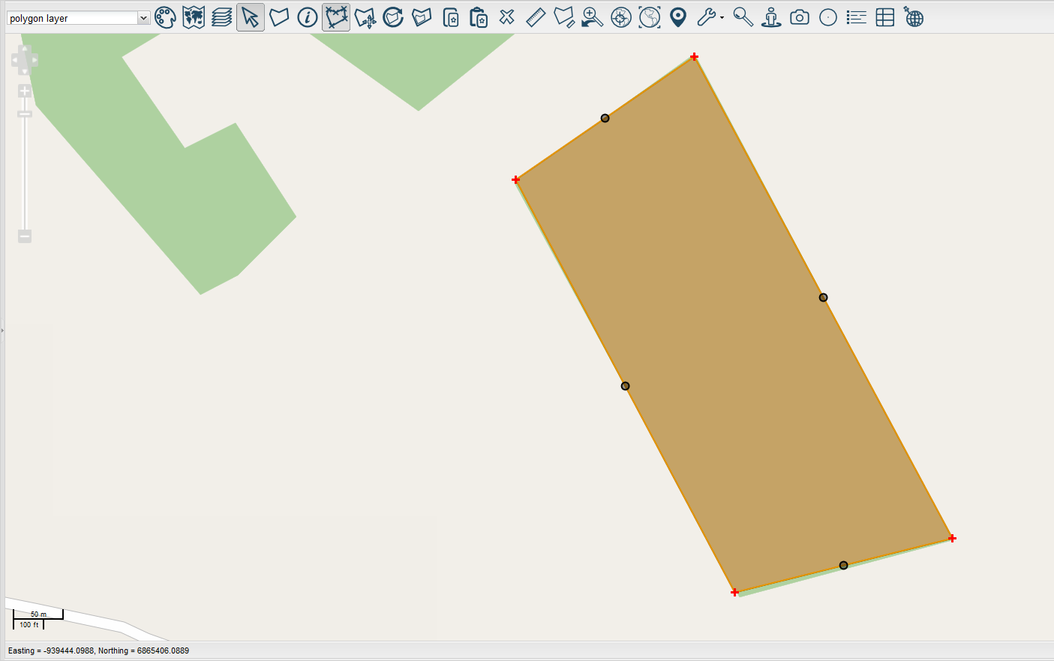
Left-click and drag any point to modify the shape of the feature.
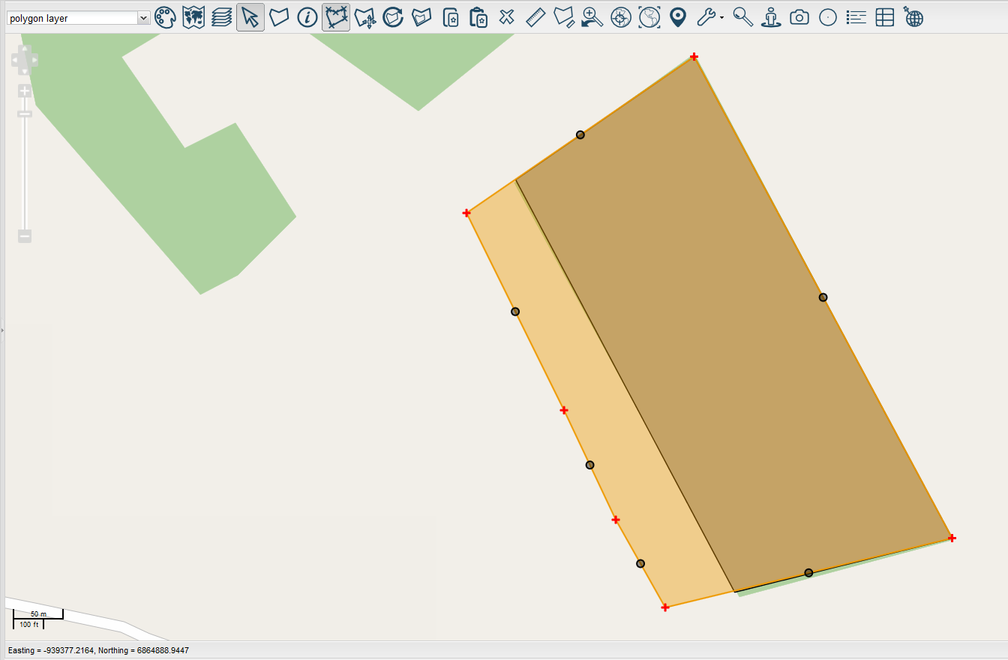
Select to finish the process. Then select OK to save changes.
The feature has successfully been modified.