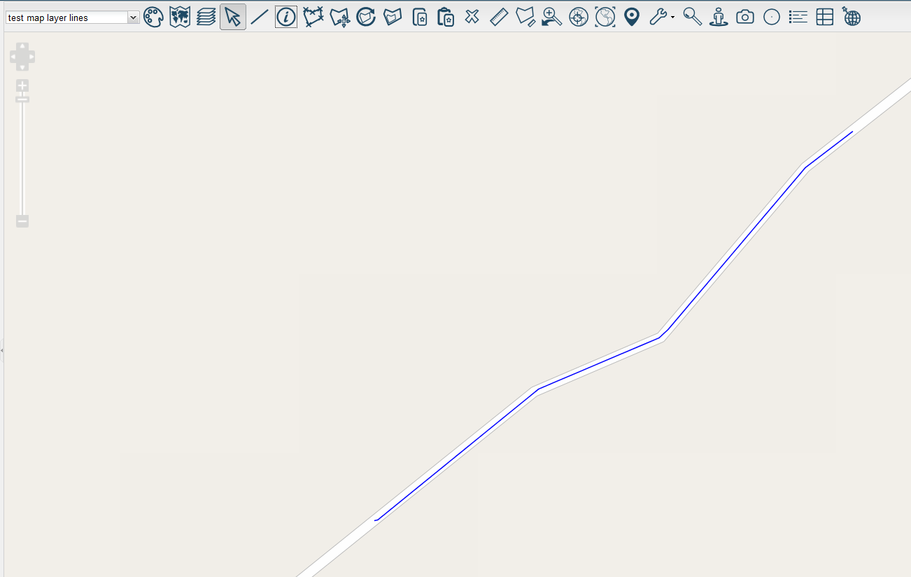
Place Line


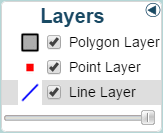
Select a line layer from the Layers Panel.
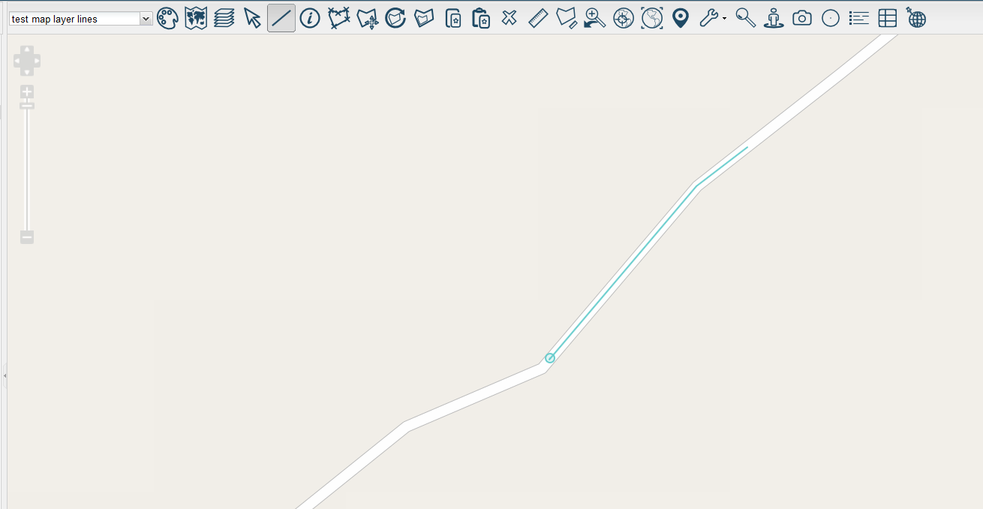
Select  on the toolbar to place lines on the map. Left-click to begin drawing the line. Left-click again at a different position to draw a straight line between these points. You can change the direction of the line by Left-clicking again at another position.
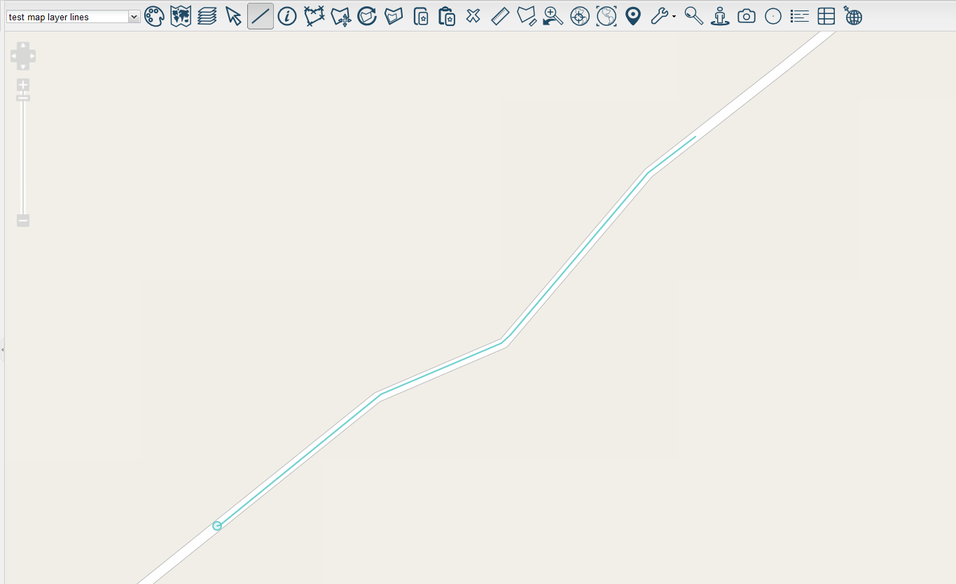
Continue to Left-click if you wish to continue the line.
To place the final point in your line, double left-click. You can also hold shift and click if you'd prefer.
The line has been successfully placed.