Base Layers


Clicking the  button at the right of the map screen will open the Base Layer Panel.
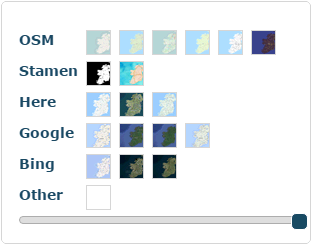
From here you can select the design of the base map that you'll be displaying your features on. You can also use the opacity slider at the bottom to fade the map and help your features stand out more. Some of the choices are as follows.
OpenStreetMap Standard (Default)
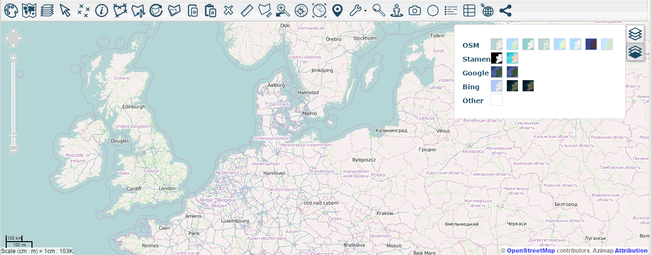
OpenStreetMap Landscape
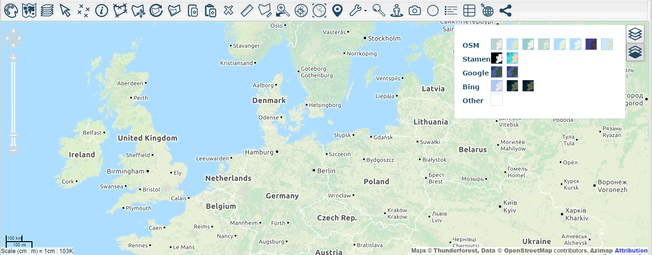
OpenStreetMap Humanitarian
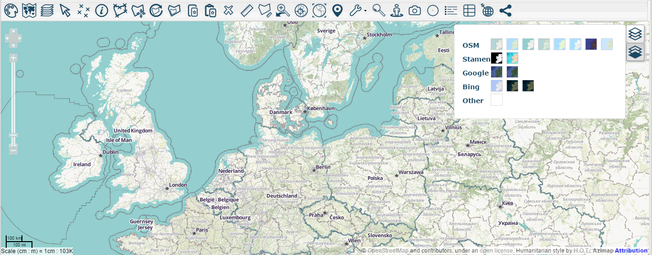
OpenStreetMap Cycle
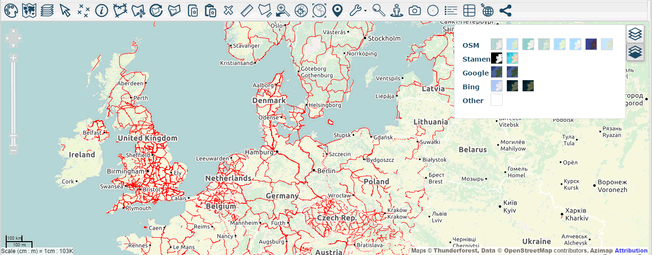
OpenStreetMap Outdoors
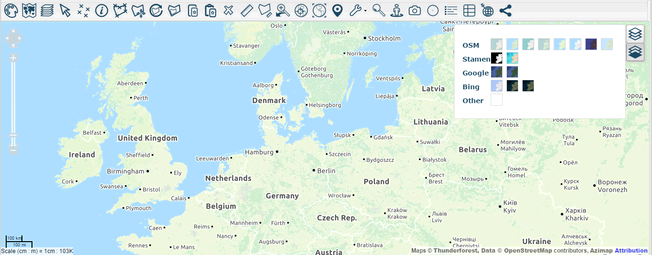
OpenStreetMap Transport
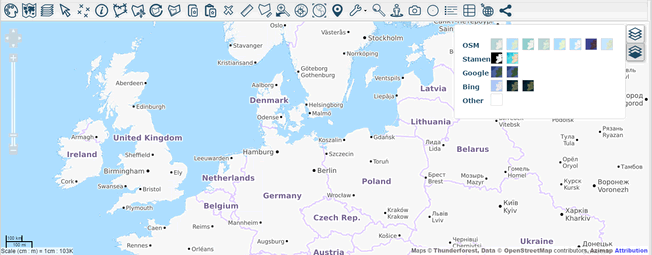
OpenStreetMap Transport Dark
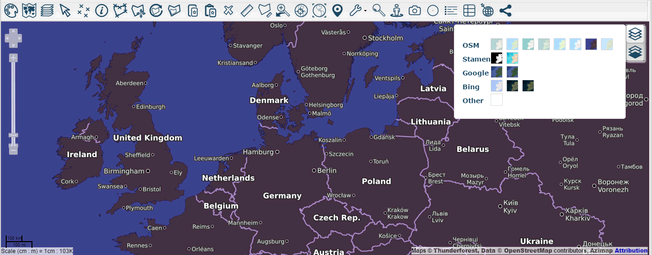
Stamen Toner
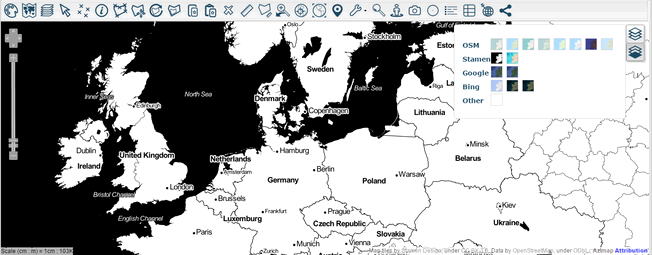
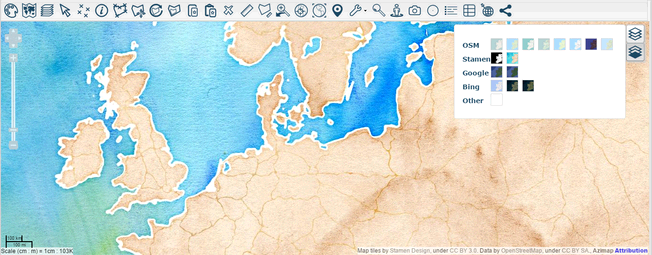
Stamen WaterColour
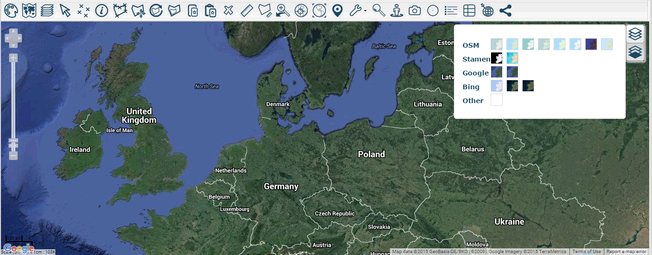
Google Hybrid
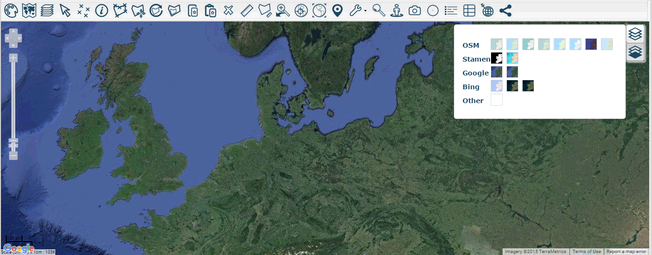
Google Satellite
Bing Road
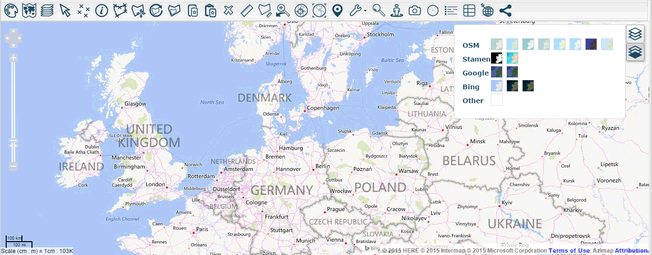
Bing Hybrid
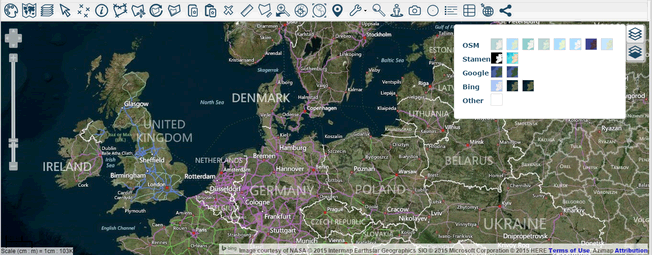
Bing Aerial
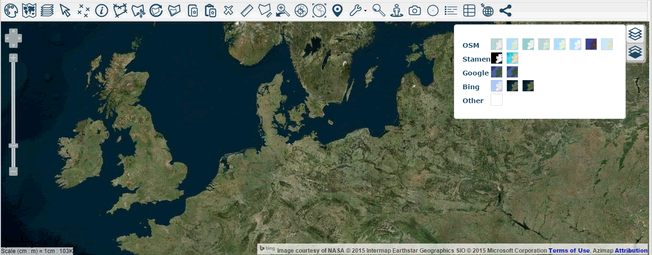
There is also the Blank base layer that displays no map, just your features on a white screen.
Note: The look and details of these maps can change as you zoom in and out. Experiment with them to find the best one to display your information.